How PRACTIS Works with Waystar for Revenue Cycle Management
Introduction
See how PRACTIS integrates with Waystar for end-to-end revenue cycle optimization.
Integration quality can make or break a practice's technology stack. A poorly integrated system creates data silos, double-entry, and workflow friction that erodes the efficiency gains the software was supposed to deliver. PRACTIS connects to 42+ healthcare systems with bidirectional real-time sync, eliminating the 6.5 hours per week that the average PT practice loses to manual data transfer between disconnected systems. This article examines how PRACTIS approaches integration and what it means for your practice's bottom line.
The Integration Challenge in PT
Physical therapy practices typically use 5-8 different software systems: an EHR for documentation, a practice management system for scheduling and billing, a clearinghouse for claims, a patient engagement platform for reminders, and various specialty tools for outcome tracking, telehealth, and referral management.
The problem isn't the number of systems — it's the gaps between them. When your EHR doesn't talk to your billing system, someone has to manually transfer data. When your scheduling system doesn't know about authorization limits, patients get scheduled for visits that won't be covered. These gaps cost practices thousands of dollars monthly in lost revenue and wasted staff time.
How PRACTIS Integrates
PRACTIS takes a fundamentally different approach to integration. Rather than offering point-to-point connections between specific systems, PRACTIS acts as an intelligent middleware layer that understands the clinical and business context of data flowing between systems.
Bidirectional Sync: Data flows both ways between PRACTIS and your existing systems. A note created in PRACTIS appears in your EHR. A schedule change in your PM system triggers an eligibility check in PRACTIS.
Contextual Intelligence: PRACTIS doesn't just move data — it understands it. When patient demographics change in your EHR, PRACTIS automatically updates eligibility records, adjusts authorization tracking, and notifies relevant staff.
Error Prevention: The integration layer validates data as it flows between systems, catching inconsistencies before they cause downstream problems. A mismatched patient ID, an expired authorization, or a coding conflict is flagged immediately.
PRACTIS currently integrates with 42+ systems across EHR, PM, clearinghouse, telehealth, and patient engagement categories.
Integration with Clinicient
For practices using Clinicient, PRACTIS offers a deep, bidirectional integration that covers:
| Data Type | Sync Direction | Frequency |
|---|---|---|
| Patient demographics | Bidirectional | Real-time |
| Appointments/schedule | Bidirectional | Real-time |
| Clinical notes | PRACTIS → Clinicient | On sign-off |
| Billing/claims | PRACTIS → Clearinghouse | On submission |
| Authorization status | Bidirectional | Hourly |
| Outcome measures | PRACTIS → Clinicient | On capture |
The integration is configured during onboarding and requires no ongoing maintenance. PRACTIS monitors the connection health and alerts your team if any sync issues arise.
Setting Up Your Integration
Connecting PRACTIS to your existing stack follows a straightforward process:
Step 1 — Discovery: Your implementation specialist maps your current systems and data flows, identifying integration points and potential conflicts.
Step 2 — Configuration: Integration credentials are established and data mapping is configured. This typically takes 1-2 business days.
Step 3 — Validation: A test sync verifies that data flows correctly between all connected systems. Any discrepancies are resolved before go-live.
Step 4 — Monitoring: Once live, PRACTIS continuously monitors integration health and provides a dashboard showing sync status, data volumes, and any issues.
The entire process is supported by a dedicated integration specialist who understands both PRACTIS and your existing systems.
Getting Started
See how PRACTIS integrates with your specific technology stack. Request a personalized demo where we'll show the integration with your exact systems, or start a free trial to test the integration firsthand.
See PRACTIS in Action
Real recordings from the PRACTIS platform showing the features discussed in this article.
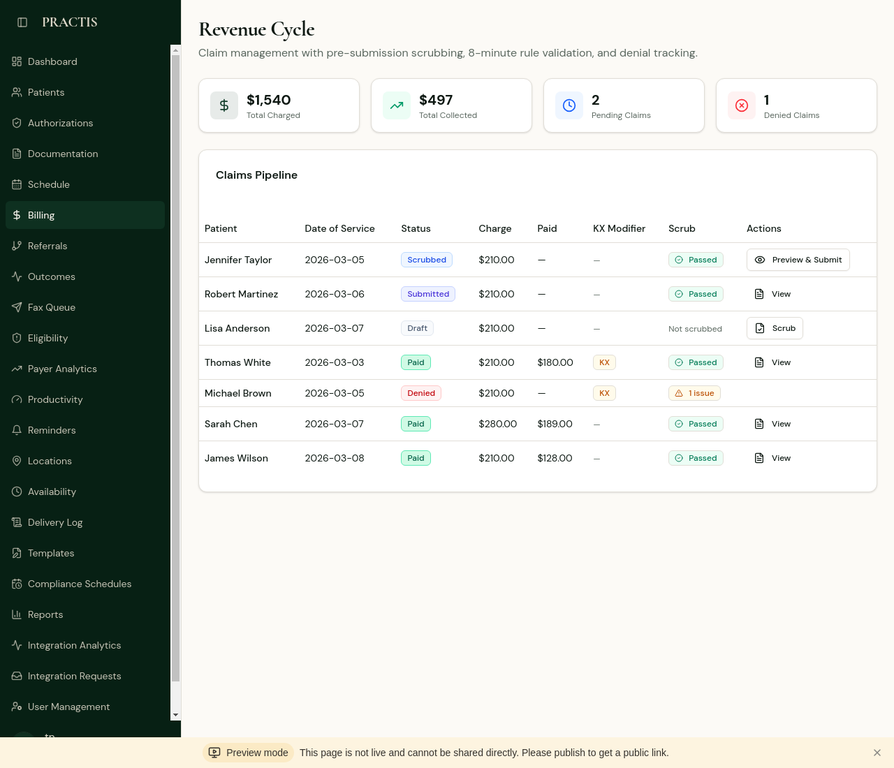
Watch Riley scrub claims before submission, track denials, and manage the full revenue cycle with 94% first-pass claim rates.
Hover to play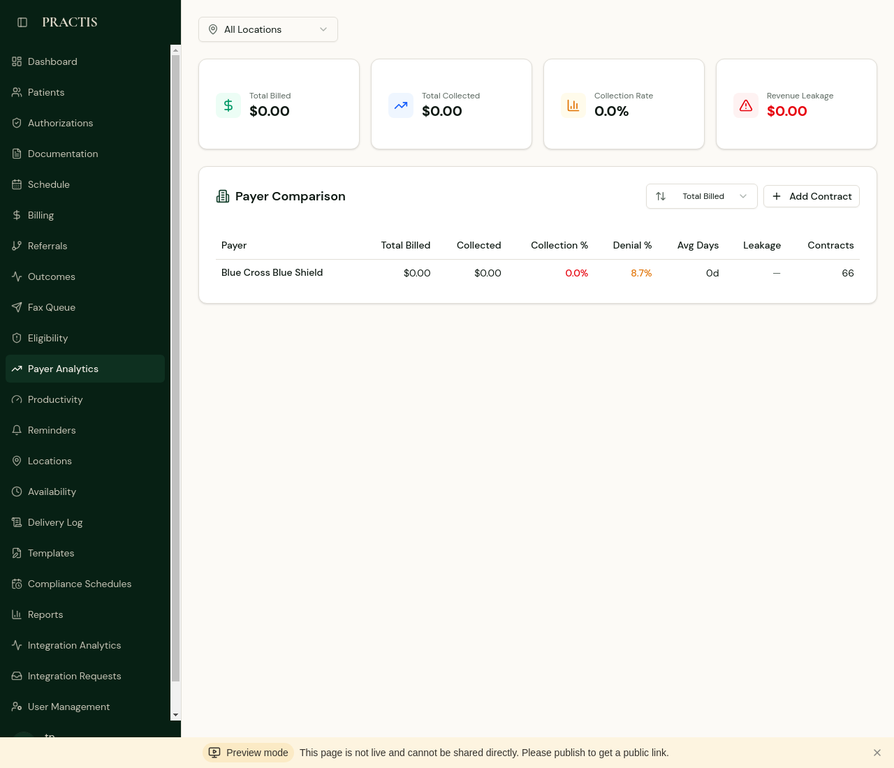
Compare payer performance side-by-side: collection rates, denial percentages, average days to payment, and revenue leakage per contract.
PRACTIS by the Numbers
Ready to see PRACTIS in action?
Start your 14-day free trial or request a personalized demo.
Stay ahead of the curve
AI automation tips, billing strategies, and compliance updates for PT practices.
Keep reading
View all articles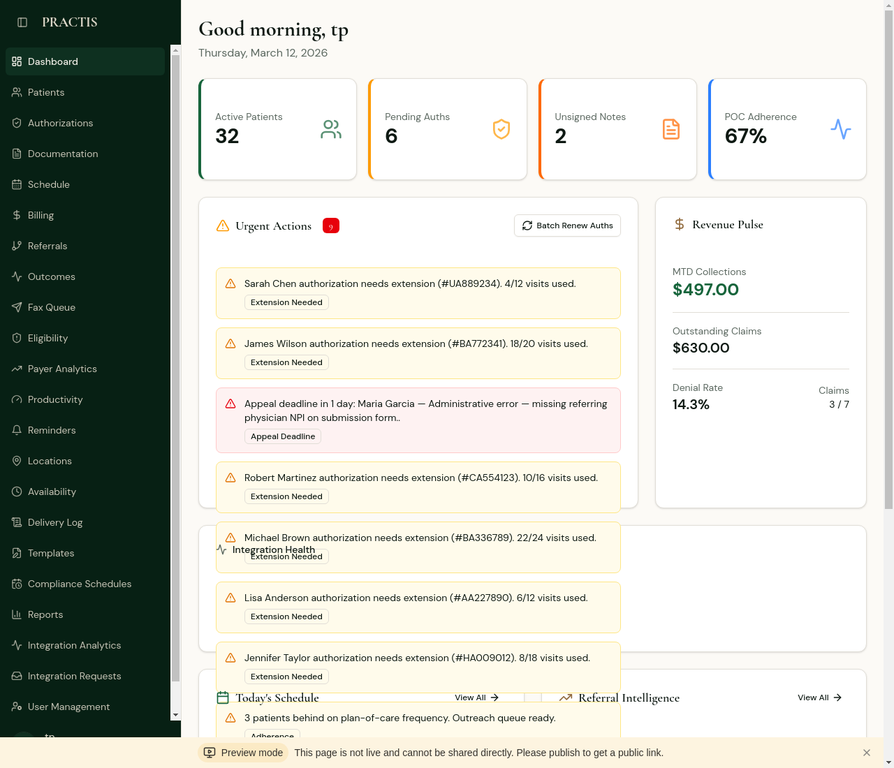 Integrations
How PRACTIS Works with Athenahealth for Multi-Specialty Practices
See how PRACTIS AI agents complement Athenahealth's practice management for PT departments.
IntegrationsPRACTIS + BetterPT: Combining AI Practice Management with Patient Discovery
Learn how PRACTIS and BetterPT work together to attract and retain patients.
 Use Cases
Revenue Cycle Optimization: End-to-End Financial Visibility for PT Practices
See how PRACTIS connects scheduling, documentation, billing, and collections into a unified revenue view.
ComparisonsPRACTIS vs. Kareo/Tebra: Billing and Practice Management Compared
A deep dive into how PRACTIS and Kareo handle billing, claims, and revenue cycle differently.
Use CasesPayer Analytics: Understanding Your Revenue by Insurance Carrier
See how PRACTIS breaks down denial rates, approval times, and reimbursement trends by payer.
ComparisonsPRACTIS vs. WebPT: Why AI-Native Beats Bolt-On Automation
A detailed comparison of PRACTIS and WebPT across documentation, billing, scheduling, and prior authorization.